
App Management
Unused App Finder
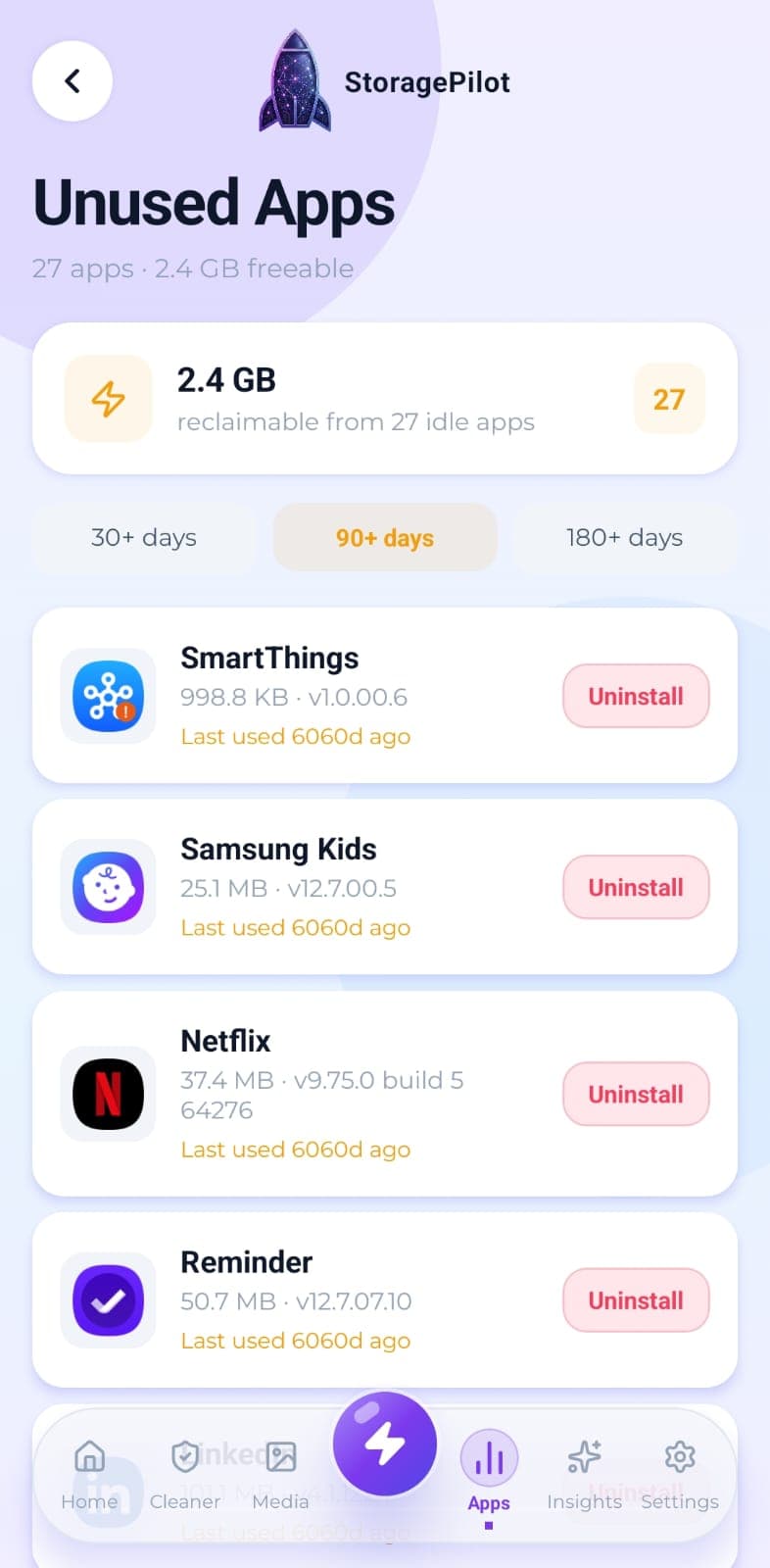
Filters your installed apps down to the ones you haven't opened in 30, 90 or 180 days.
The problem
Apps get installed for one trip, one form, one sale, and then sit there. Android knows when you last opened each one, but it does not put that anywhere you would look.
What makes it different
The last-used dates come from Android's usage statistics rather than a guess, which is why the app asks for usage access and tells you what it needs it for.
How it works
Choose a threshold of 30, 90 or 180 days.
Apps you haven't opened in that time are listed with the date you last used them.
Each one shows the storage it's holding, so you can see what removing it buys you.
Uninstalling is confirmed through Android's own removal prompt.
Related tools
Every installed app with its real size, icon and install date, sortable so the heaviest ones surface first.
Real disk figures, a category breakdown and a cleanup score from A to F, so you can see what's actually using your storage.
Temporary files, logs, caches, backups and half-finished downloads, grouped by type so you can see what you're deleting.