
Storage Visibility
Storage Insights
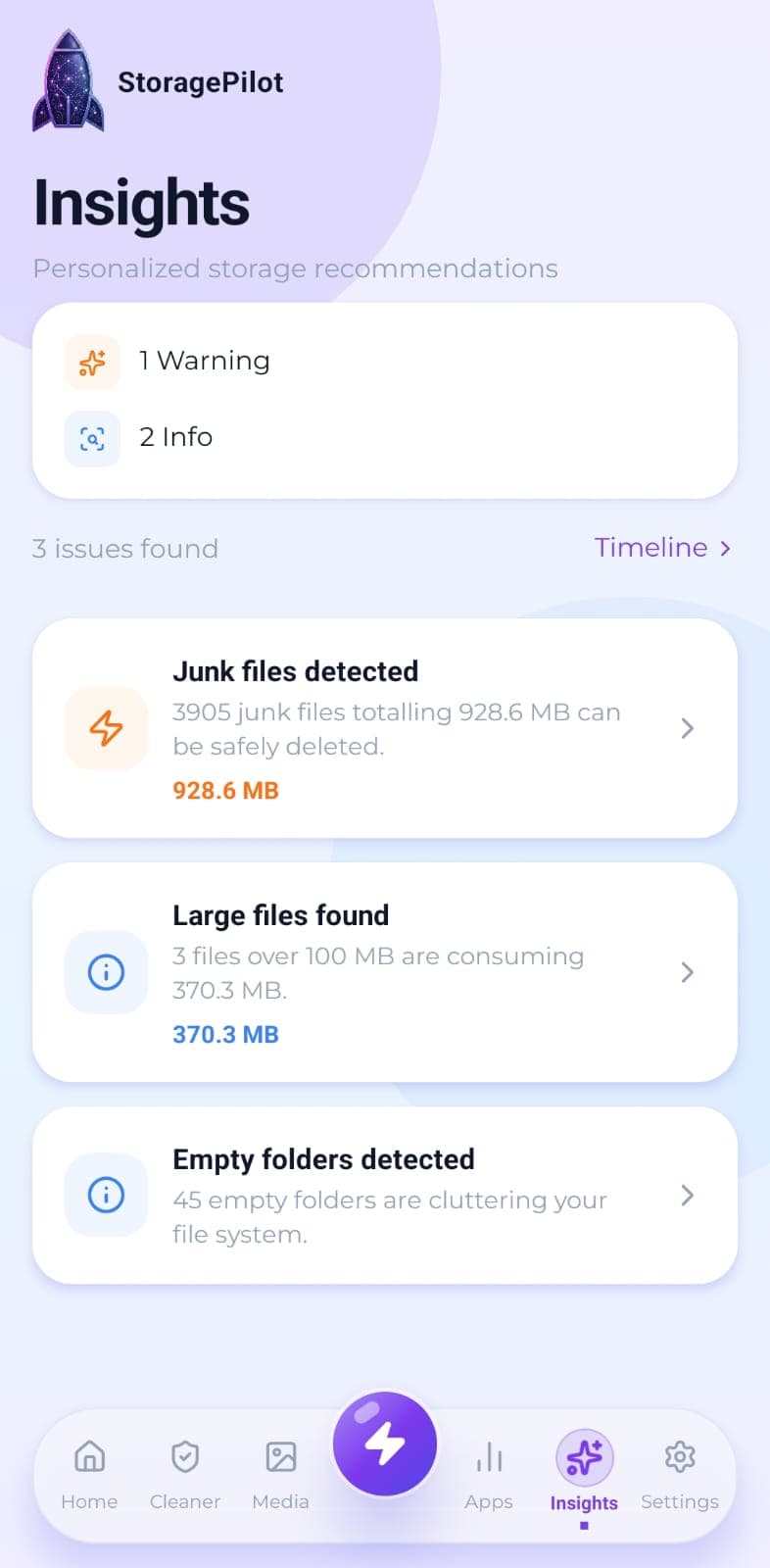
Turns a finished scan into a short list of what actually needs attention, with each card linking straight to the tool that fixes it.
The problem
A breakdown tells you where your storage went, but not what to do about it. Reading a chart and working out which tool to open is a step most people skip, so the scan gets run and then nothing happens.
What makes it different
Every insight is derived from your own scan results and is one tap from the fix. Nothing here is a generic tip that would appear on any phone.
How it works
Insights are generated from the scan you just ran, not from generic advice.
Each card is ranked by severity, so a nearly-full device reads differently from a few stray empty folders.
Tapping a card opens the tool that addresses it, rather than leaving you to find it.
Before your first scan the screen says so plainly instead of showing invented figures.
Related tools
Real disk figures, a category breakdown and a cleanup score from A to F, so you can see what's actually using your storage.
Your files grouped by age, so the things you downloaded once and forgot about are easy to spot.
Temporary files, logs, caches, backups and half-finished downloads, grouped by type so you can see what you're deleting.