
Cleaning Tools
File Search
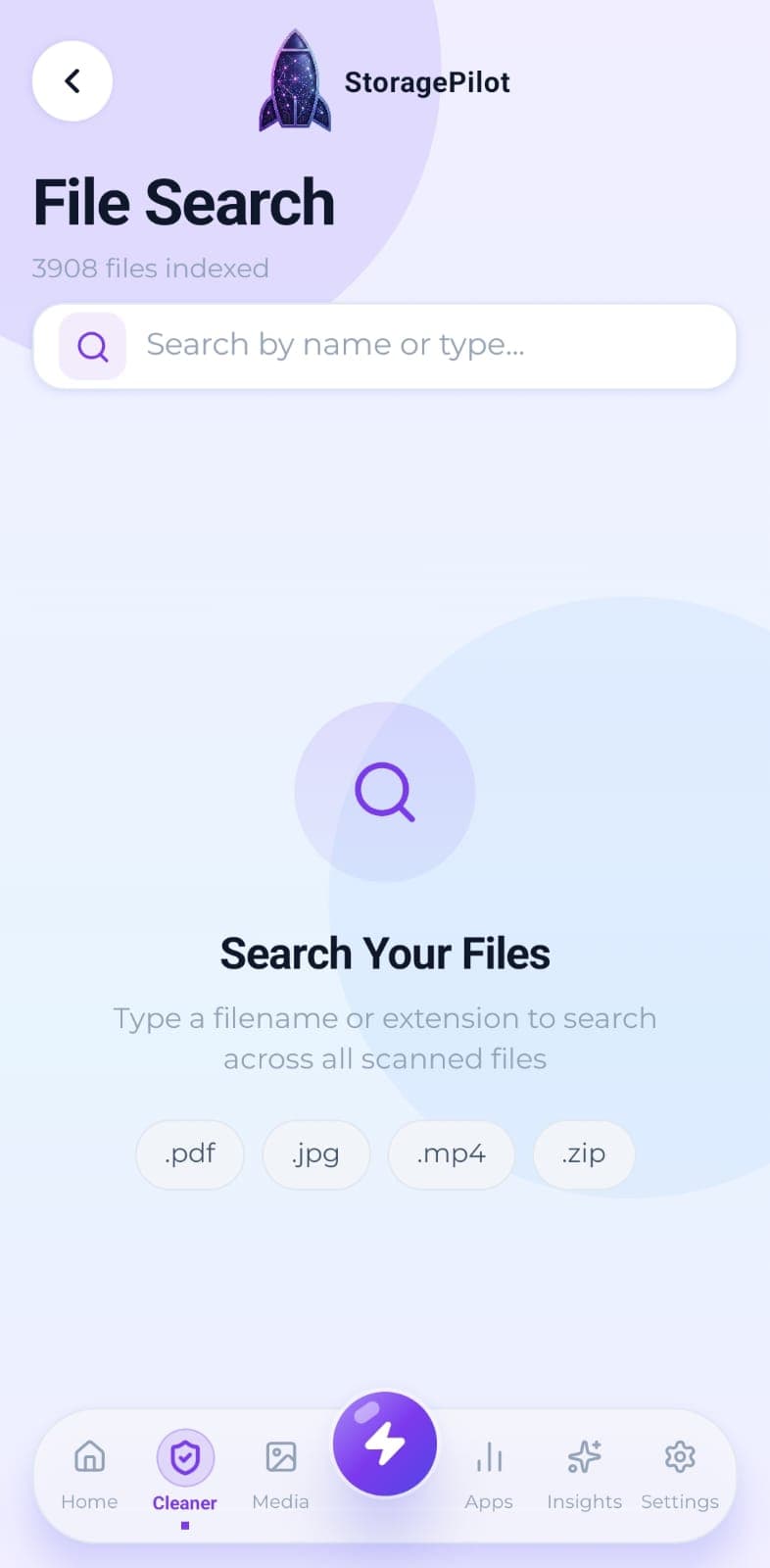
Search everything the scan found by name or file type, without digging through folders.
The problem
Sometimes you know exactly what you are looking for: a download with a particular name, or every .zip on the device. Android's own file browsing makes that a folder-by-folder hunt.
What makes it different
It searches the scan results rather than re-reading the disk, so it answers immediately and works across every folder you have granted access to at once.
How it works
Type part of a filename or an extension and results appear as you go.
The search covers everything the last scan picked up, not just one folder.
Results are matched on both the name and the file type.
Open any result to see its full details before deciding what to do with it.
Related tools
The handful of files eating most of your storage, sorted largest first and filterable by type.
Your Downloads folder is where files go to be forgotten. This clears it out without touching anything you still need.
Temporary files, logs, caches, backups and half-finished downloads, grouped by type so you can see what you're deleting.