
Storage Visibility
Storage Timeline
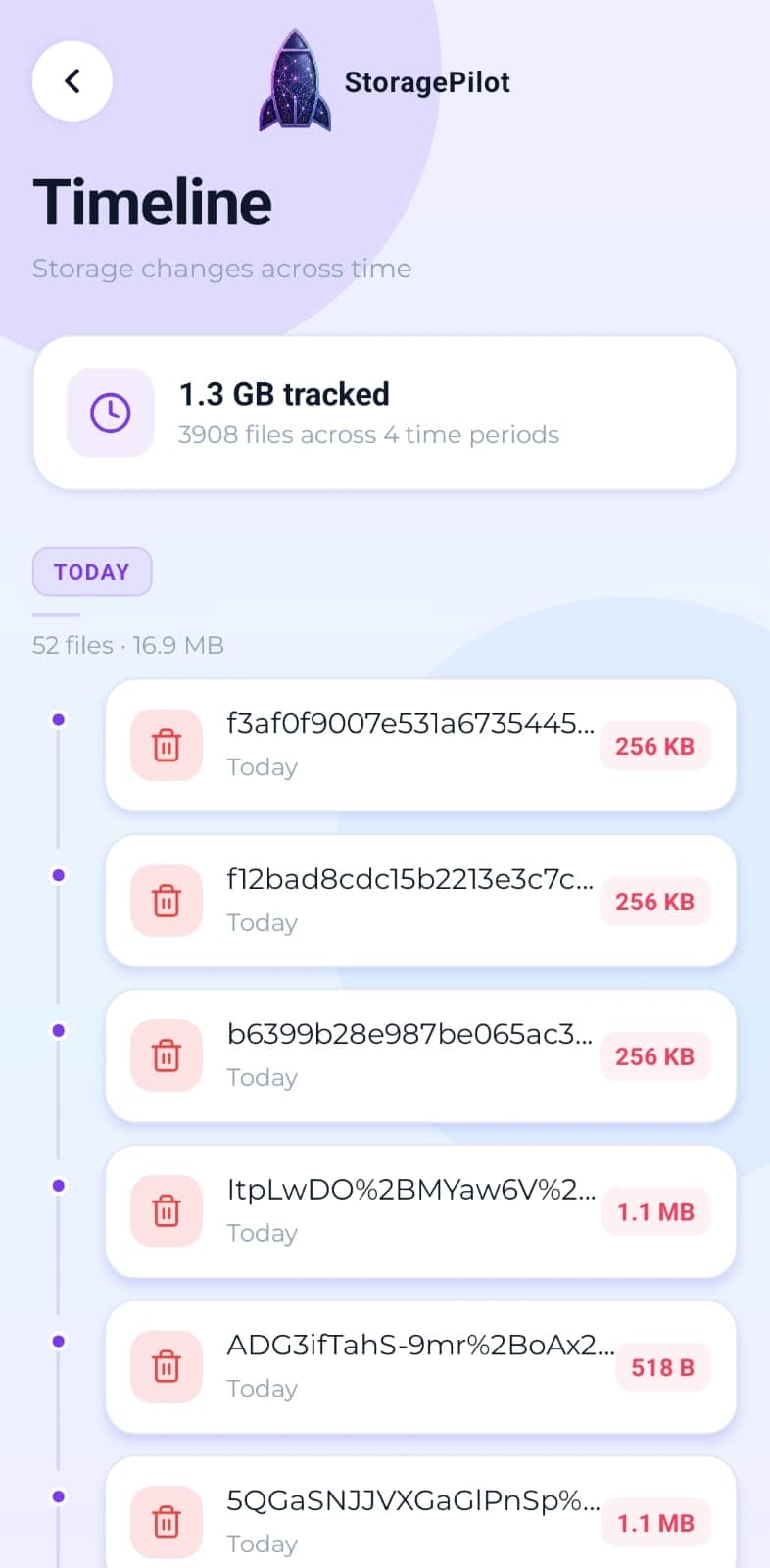
Your files grouped by age, so the things you downloaded once and forgot about are easy to spot.
The problem
Age is the best clue about whether a file still matters. A video from this morning is probably worth keeping; the one from two years ago that you have not opened since almost certainly is not. Nothing on a phone sorts storage that way by default.
What makes it different
Sorting by age surfaces a different set of files than sorting by size does. Something small and ancient is often easier to part with than something large and recent.
How it works
Scanned files are grouped into today, this week, this month, this year and older.
Each section shows how many files it holds and how much space they take.
The oldest group is usually where the easiest wins are.
It reads from the same scan as everything else, so there is nothing extra to run.
Related tools
Turns a finished scan into a short list of what actually needs attention, with each card linking straight to the tool that fixes it.
The handful of files eating most of your storage, sorted largest first and filterable by type.
Real disk figures, a category breakdown and a cleanup score from A to F, so you can see what's actually using your storage.