
Cleaning Tools
Downloads Cleaner
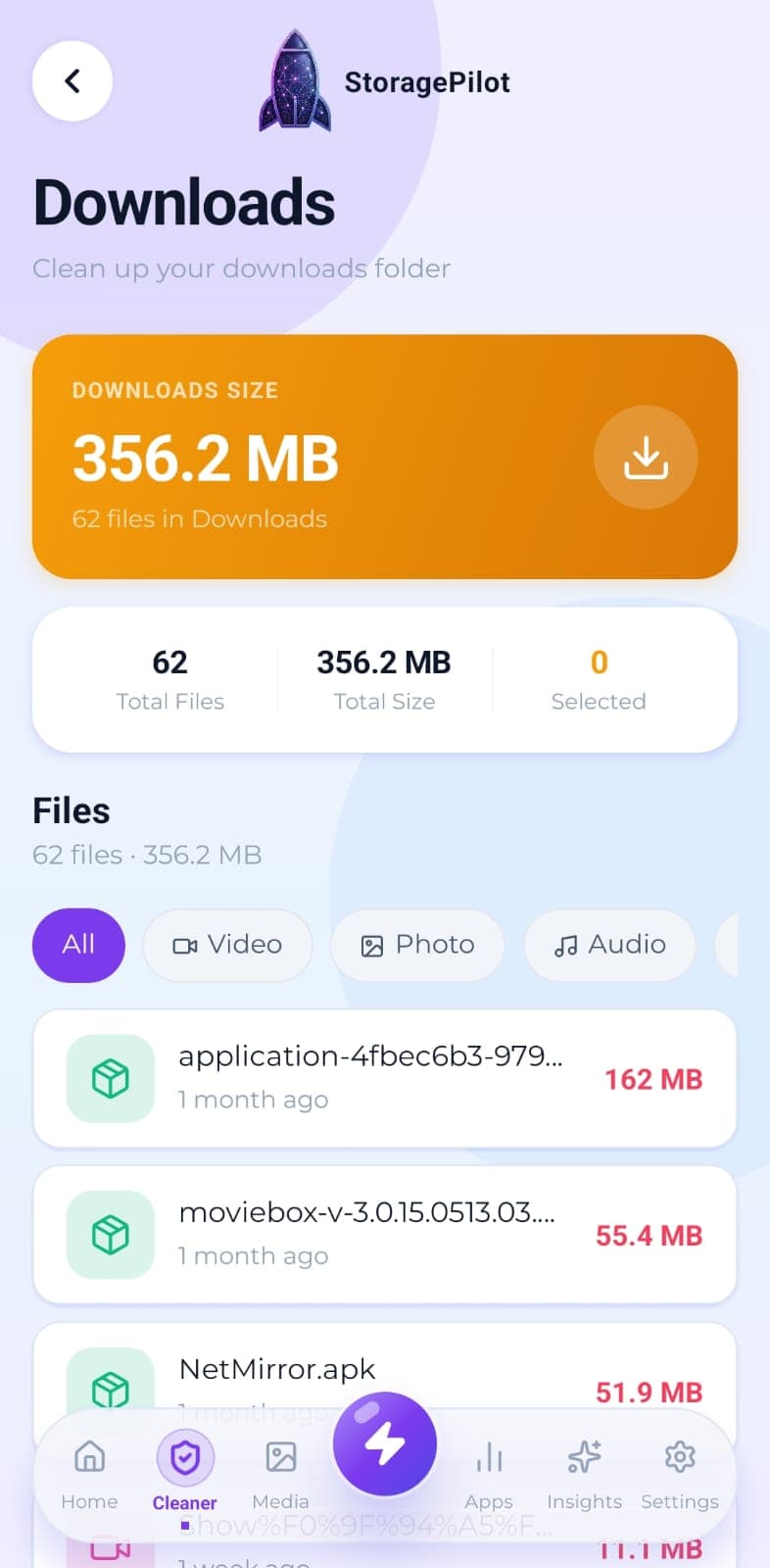
Your Downloads folder is where files go to be forgotten. This clears it out without touching anything you still need.
The problem
The Downloads folder turns into a junk drawer: installers you already used, documents you opened once, media you saved and forgot about. On a lot of phones it's the single largest folder there is.
What makes it different
Downloads is reached through Android's Storage Access Framework, which means the app can work with the folder you grant it rather than demanding blanket access to everything on your device.
How it works
Downloads gets scanned on its own, so you can work through it in isolation.
Filter results by file type to focus on the categories that matter.
Select several files at once and check the combined size before deleting.
Open any file to review its full details before making a decision.
Deletion is confirmed first, then reported back with the space you recovered.
Related tools
The handful of files eating most of your storage, sorted largest first and filterable by type.
Temporary files, logs, caches, backups and half-finished downloads, grouped by type so you can see what you're deleting.
Real disk figures, a category breakdown and a cleanup score from A to F, so you can see what's actually using your storage.