
Cleaning Tools
Image Compressor
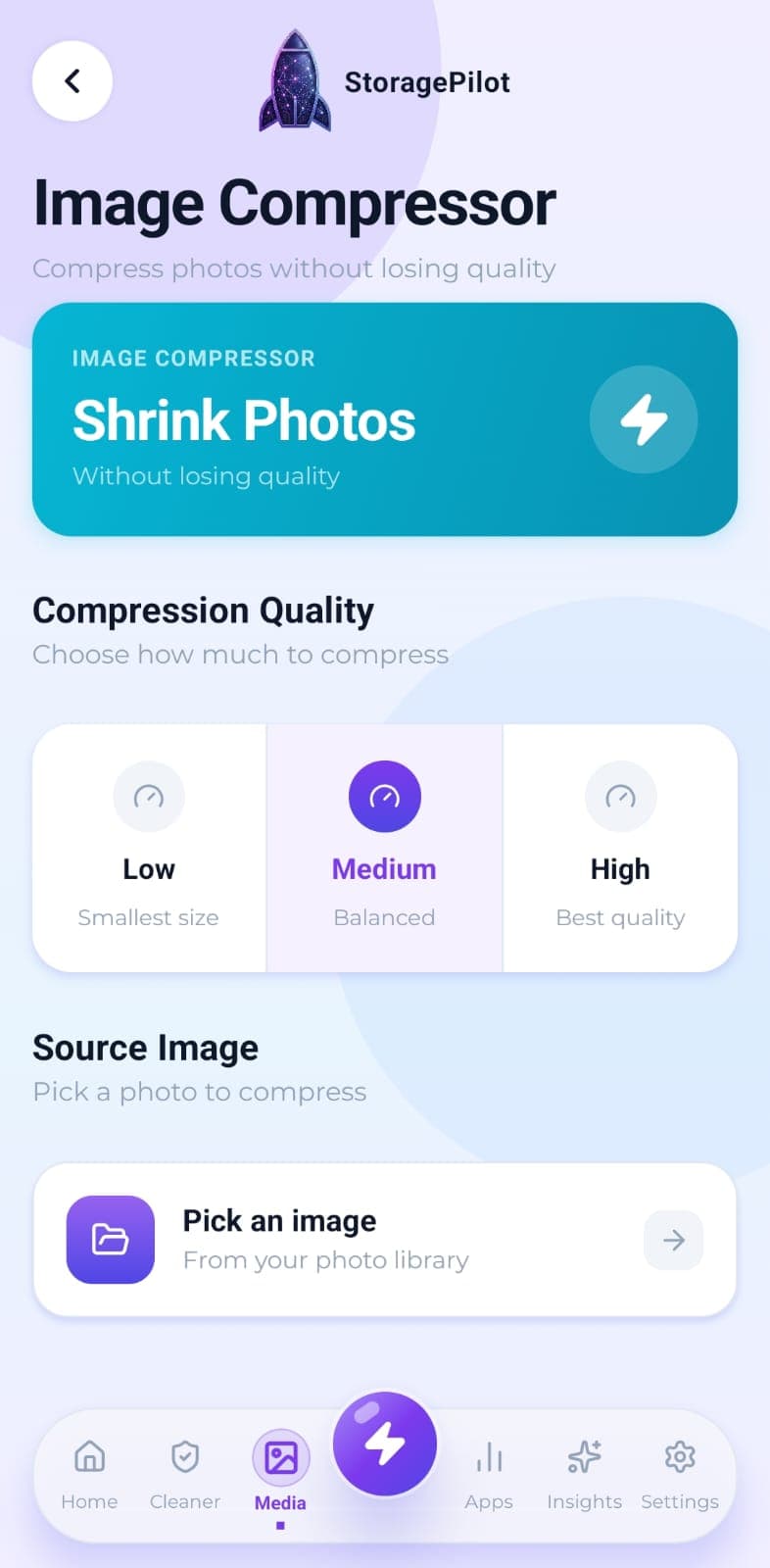
Shrink a photo instead of deleting it. Pick a quality level, see the before and after, keep the result only if you like it.
The problem
Not every space problem needs deleting. A photo you want to keep can often be made far smaller with very little visible difference, but you can only judge that if you see the trade-off before committing to it.
What makes it different
You see the actual compressed image and the actual saving before anything is written. There's no blind “optimise” button quietly degrading your photos.
How it works
Choose an image from your library.
Pick a quality level: low for the smallest file, medium for a balance, or high to stay closest to the original.
Compress, then compare the original and the result side by side, with both file sizes and the exact saving.
Save the compressed version to your gallery only if you're happy with it.
Related tools
Your photos and videos in one grid with bulk selection, plus a dedicated cleaner for the screenshots that pile up unnoticed.
Finds genuinely identical photos using SHA-256 hashing, so you get exact matches rather than lookalike guesswork.
Real disk figures, a category breakdown and a cleanup score from A to F, so you can see what's actually using your storage.