
Features
Every tool in StoragePilot
Everything here runs from a single scan, and it all runs on the device itself. Nothing uploads a file. Nothing deletes without asking you first.
Storage Visibility
Understand the problem before you act on it. Real disk figures, a category breakdown, and a score that tells you where you stand.
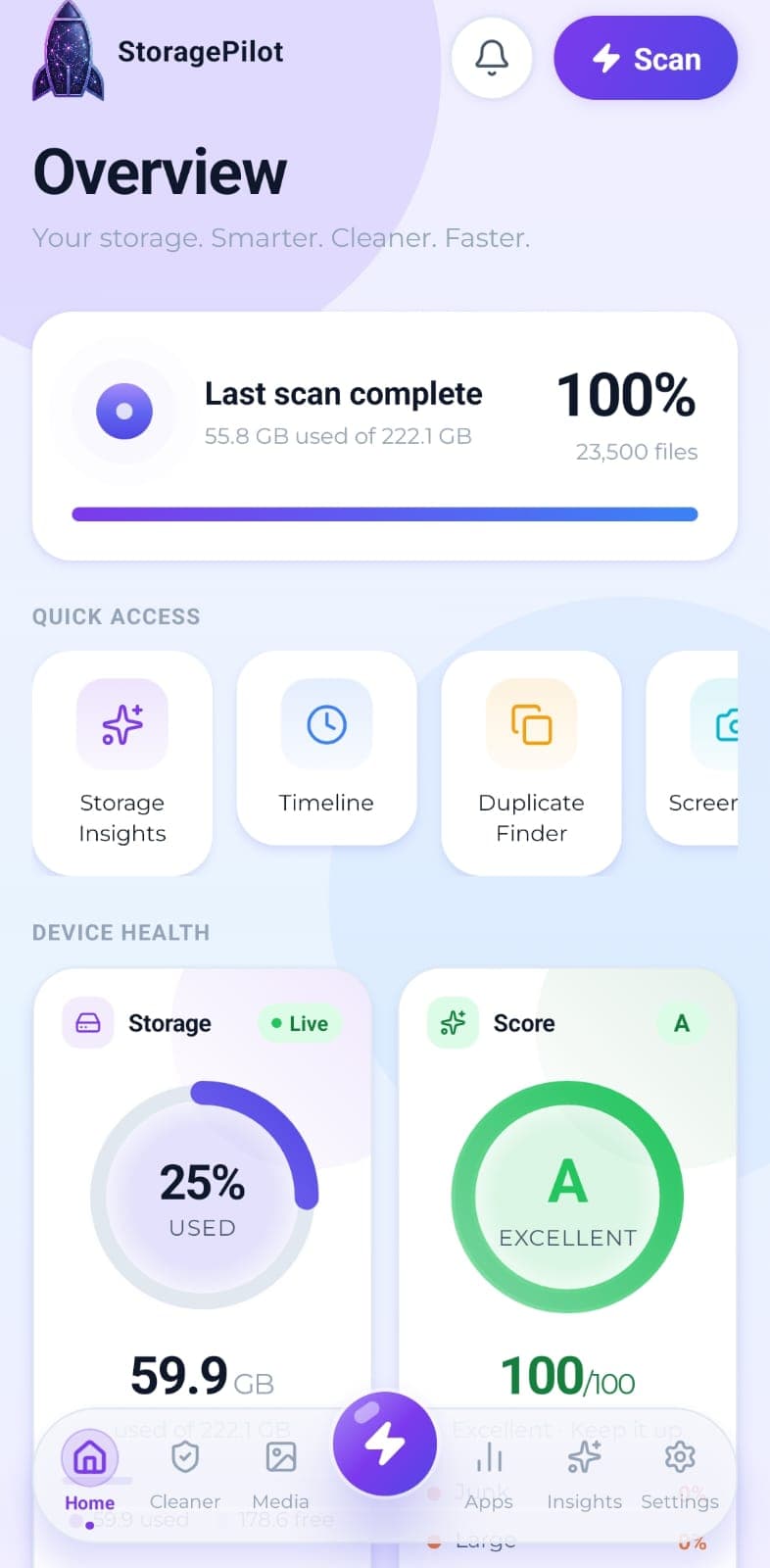
Real disk figures, a category breakdown and a cleanup score from A to F, so you can see what's actually using your storage.
How it worksTurns a finished scan into a short list of what actually needs attention, with each card linking straight to the tool that fixes it.
How it worksYour files grouped by age, so the things you downloaded once and forgot about are easy to spot.
How it worksCleaning Tools
The tools that actually reclaim space. Each one shows you what it will remove before it removes anything.
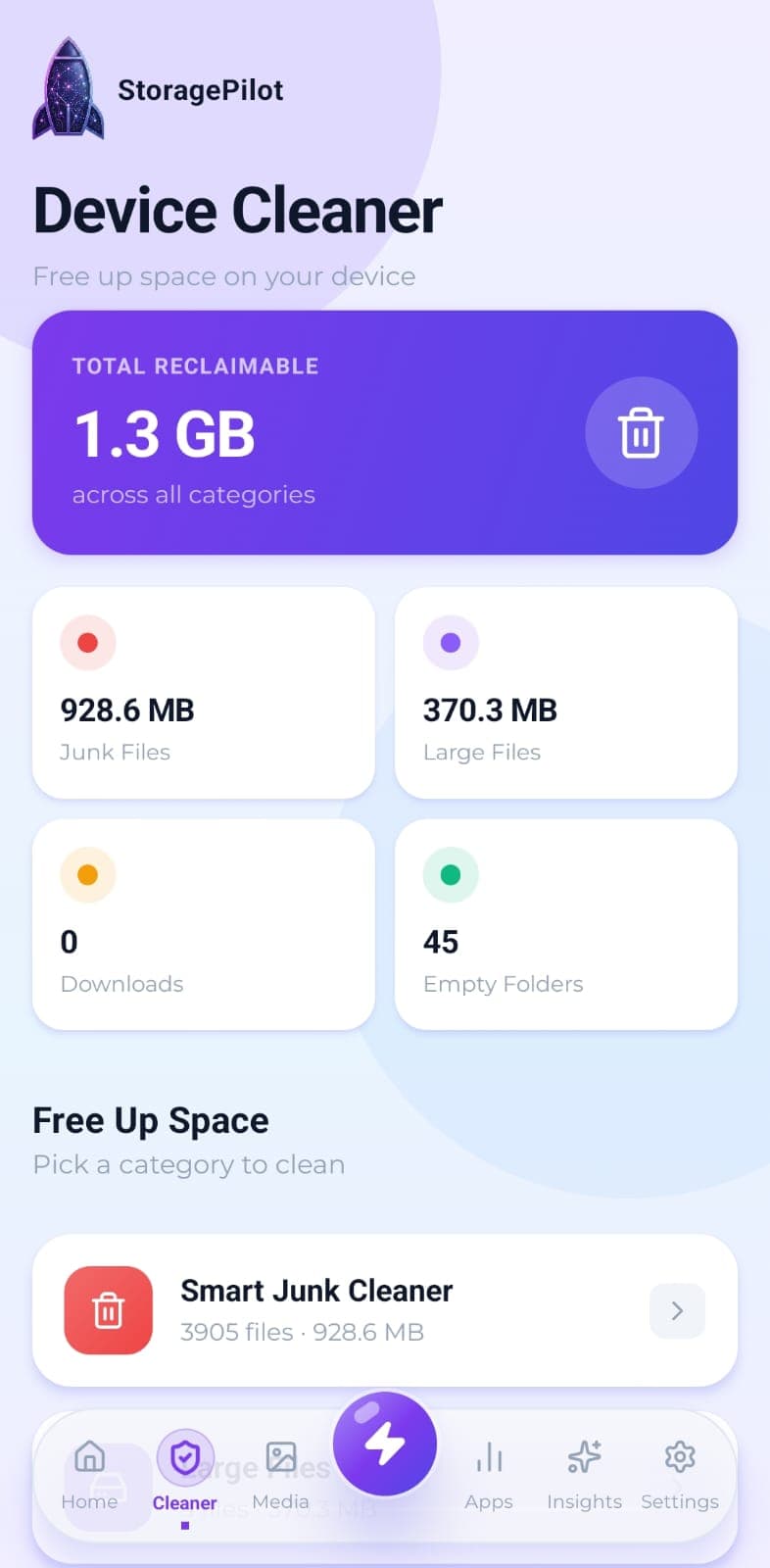
Temporary files, logs, caches, backups and half-finished downloads, grouped by type so you can see what you're deleting.
How it worksThe handful of files eating most of your storage, sorted largest first and filterable by type.
How it worksFinds the empty directories left behind by apps you uninstalled and files you already deleted.
How it worksYour Downloads folder is where files go to be forgotten. This clears it out without touching anything you still need.
How it worksShrink a photo instead of deleting it. Pick a quality level, see the before and after, keep the result only if you like it.
How it worksSearch everything the scan found by name or file type, without digging through folders.
How it worksMedia Tools
Photos and video are usually the largest thing on a phone. These handle the duplicates, the screenshots and the oversized originals.
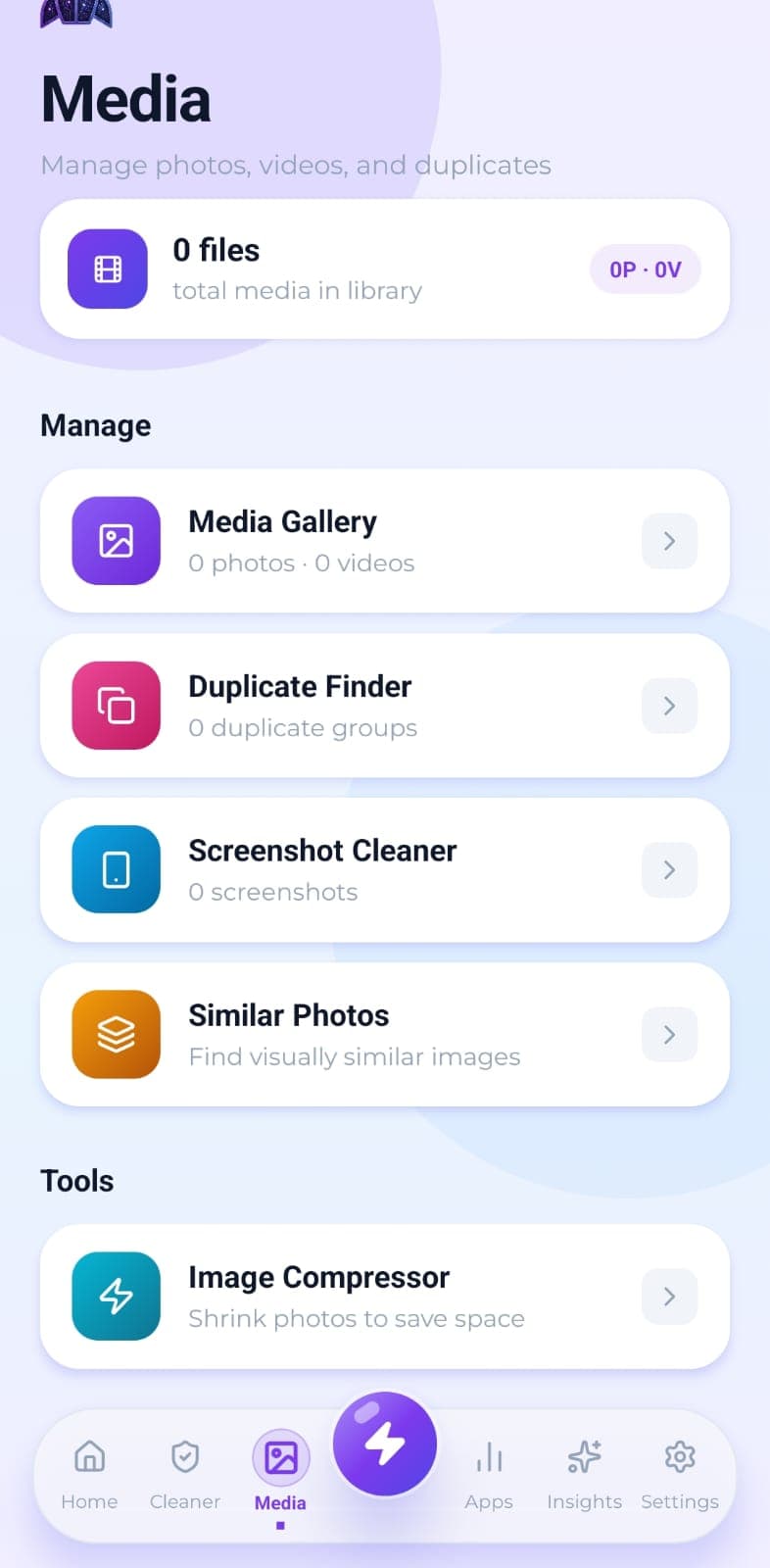
Your photos and videos in one grid with bulk selection, plus a dedicated cleaner for the screenshots that pile up unnoticed.
How it worksFinds genuinely identical photos using SHA-256 hashing, so you get exact matches rather than lookalike guesswork.
How it worksScreenshots get taken constantly and reviewed once. This finds them all and clears them in one pass.
How it worksGroups burst shots and repeated takes of the same scene, so you can keep the best one and drop the rest.
How it worksApp Management
Find the apps taking the most space, and the ones you haven't opened in months.
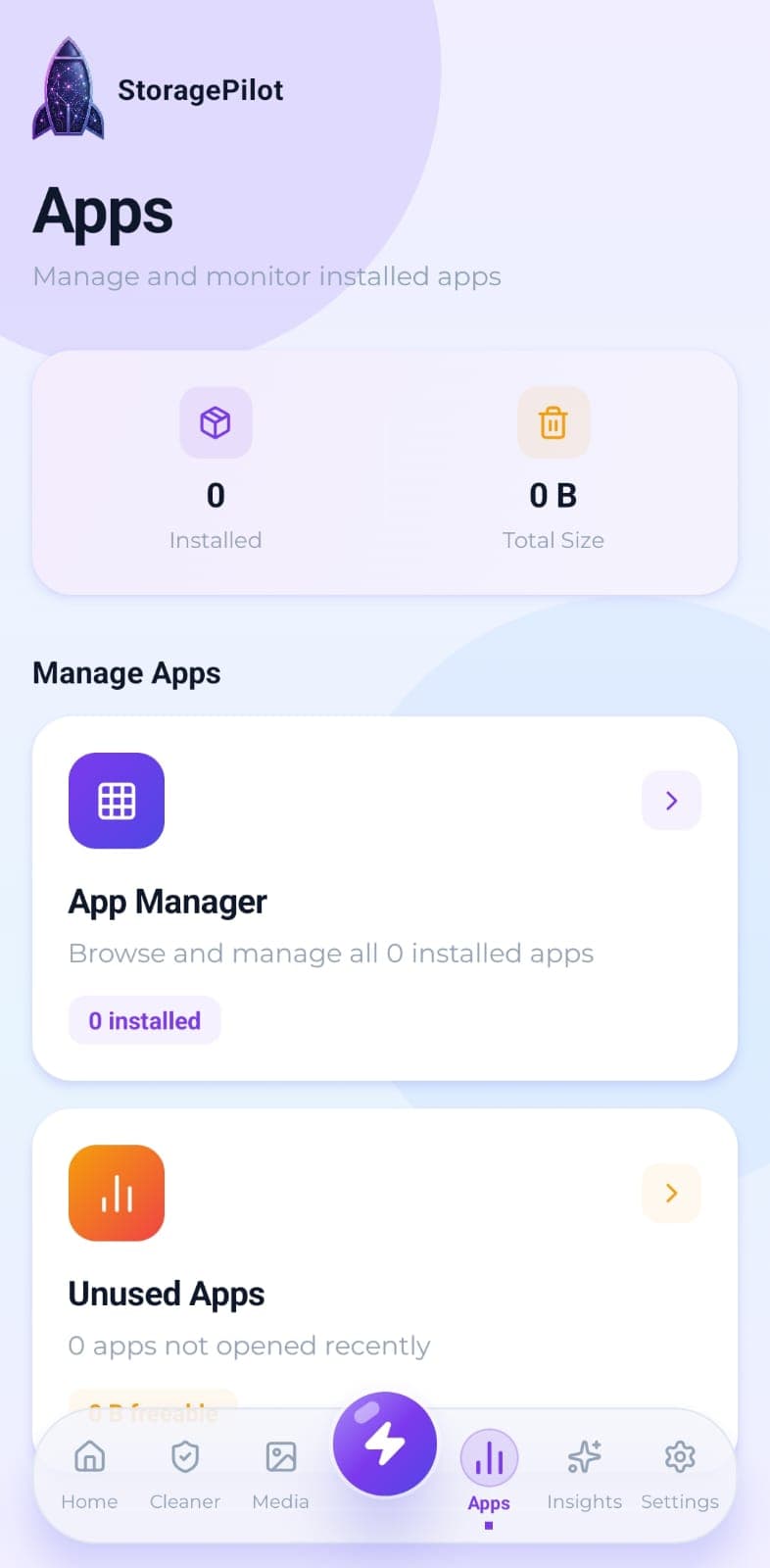
Every installed app with its real size, icon and install date, sortable so the heaviest ones surface first.
How it worksFilters your installed apps down to the ones you haven't opened in 30, 90 or 180 days.
How it worksAlerts & Automation
Optional notifications that tell you storage is filling up before your phone does, checked quietly in the background.
How it works